The logo
Clover and the word together, always lower case in the logo. Use the logo wherever there’s room, and Clover alone where there isn’t.



Meet Clover
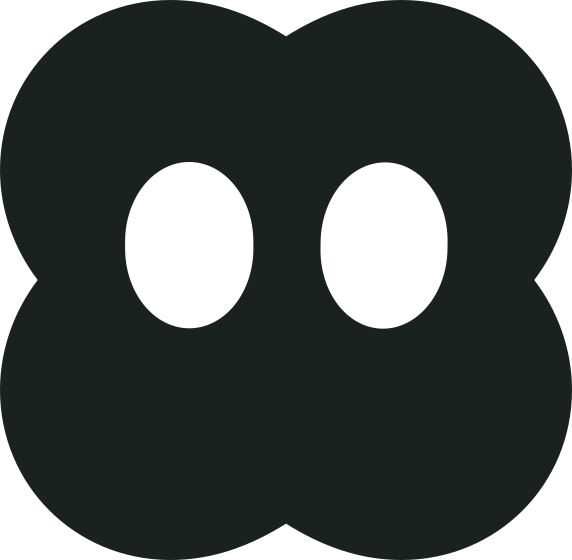
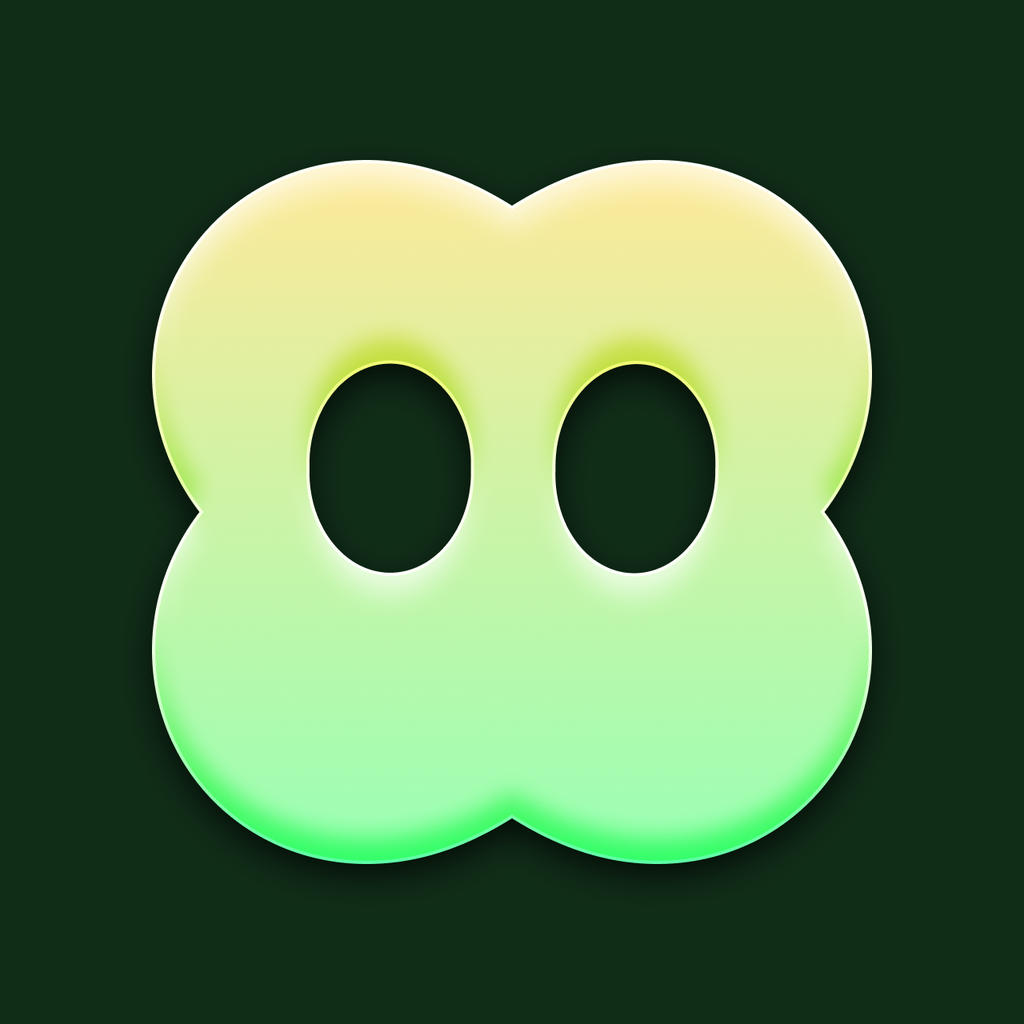
Clover is Tone’s mascot, and the mark in our logo. In the app he listens while you talk, thinks while Tone works out your meal, and cheers when you hit your goals.
Clover is always one shape, four rounded lobes and two tall eyes, in a single colour. Please don’t give him a mouth, limbs or a new expression of your own.
Colour
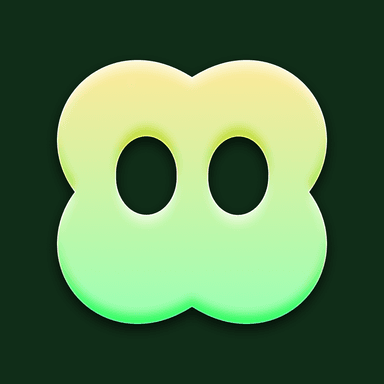
Clover gradient #F7EEAC → #97FEAC
Clover, from the app icon. On Forest, never on white.
Forest #102D18
Behind Clover and the gradient; the creator banner.
Tone Green #30A46C
Lines, fills and highlights on white.
Ink #1A211E
The words, the logo, and the main button.
Paper #FFFFFF
The page behind everything.
Sage #5F6563
Secondary words.
Type
Tone is set in SF Pro Rounded, Apple’s rounded system font: bold for headlines, regular for everything else. Buttons use SF Pro. Where SF isn’t available, use the system’s rounded font, or Nunito.
Just say what you ate.
Two eggs, a slice of toast and a black coffee.
How we sound
Plain, warm and brief, like a friend who knows a lot about food. We say what Tone does, not what it might do; we never promise results, and we never shame anyone about what they eat.
- Say: “Just say what you ate.”
- Not: “Revolutionary AI-powered nutrition intelligence.”
- Say: “Check it before it’s logged.”
- Not: “Lose 10 pounds in 2 weeks.”
Do
- Use the files on this page, as they are.
- Give the logo room: at least the height of Clover's eye on every side.
- Use ink on light backgrounds and white on dark ones or on Tone Blue.
- Keep the logo at least 24 pixels tall on screens, and 8 mm in print.
Don’t
- Stretch, squash, rotate or redraw the logo or Clover.
- Change its colours, or add outlines, shadows, gradients or effects.
- Put it on a busy photo or a background without enough contrast.
- Use Clover or the logo in a way that suggests Tone endorses you.
- Change the spelling: it's Tone, with a capital T in writing. The logo itself is lower case.
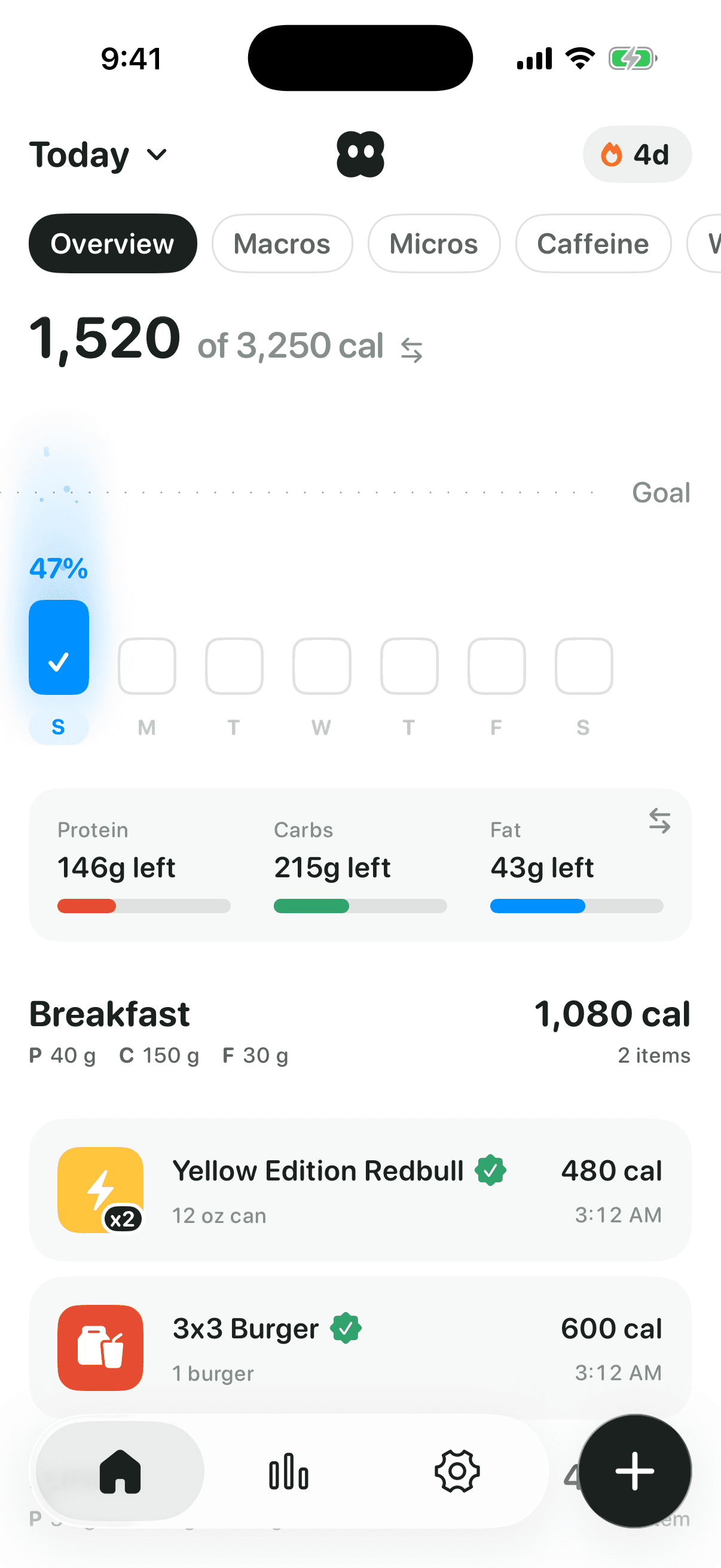
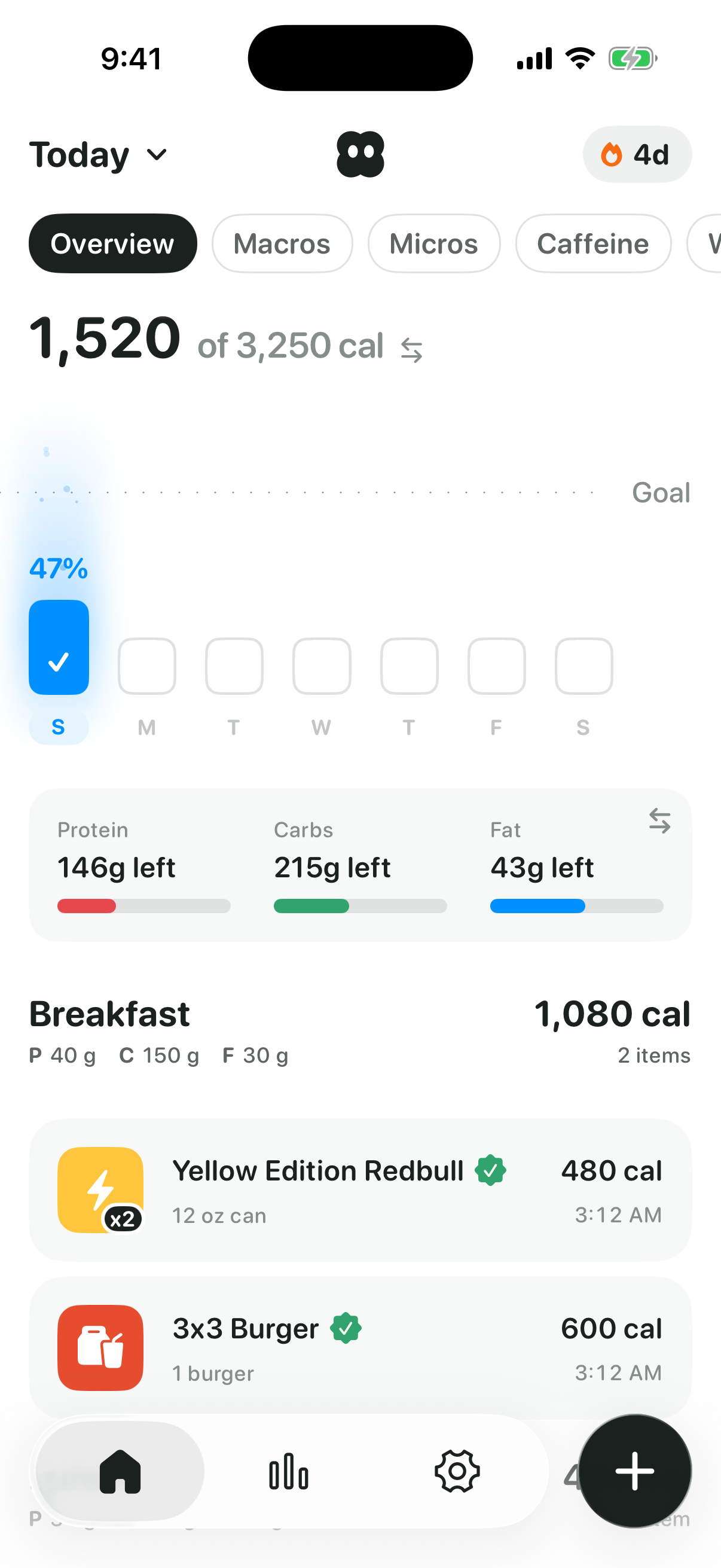
App icon and screens



Writing about Tone?
For interviews, images or anything else, email press@trytone.app.